Revive Enterprise · Coming soon

The companion that follows your IT policy.

It helps people on company PCs the same calm way, follows your Group Policy or Intune settings, and logs every change where IT can read it.

2 PCs per licence. Cancel any time.

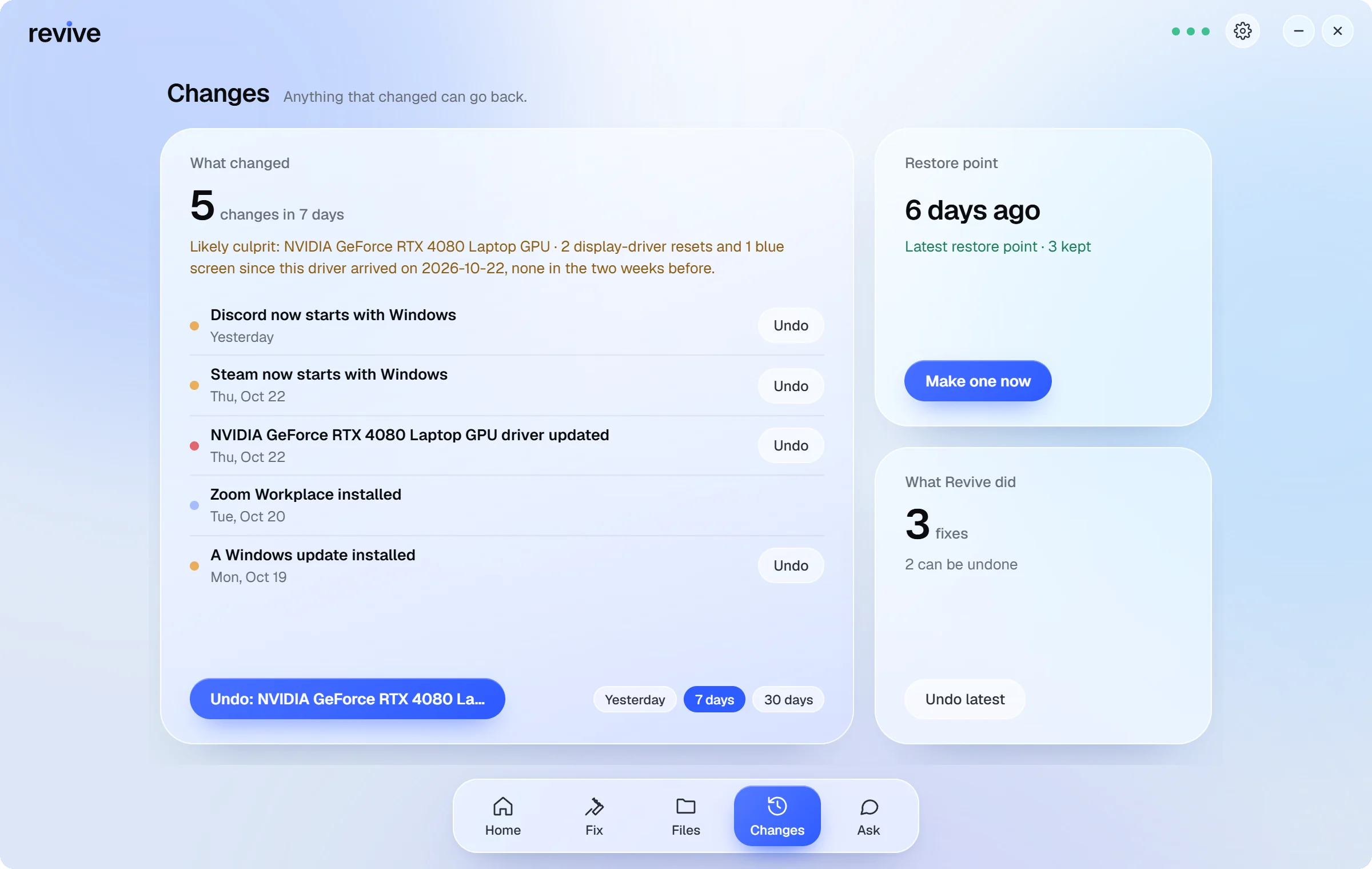
Revive's Changes page: what changed in the last 7 days, each with Undo, and the latest restore point.

Today

  • Follows your Group Policy or Intune settings, including turning AI off
  • Logs every change where IT points it, with fleet reports
  • Installs silently, and scans and fixes from a scheduled task
  • Helps people the calm way: “My printer says offline.”

Coming to EnterpriseComing soon

  • “Request admin approval for this install.”
  • “Send my PC's report to IT.”
  • “Is this app allowed here?”

Not in the app yet. We'll say when each one arrives.

What it does for IT, and for everyone else.

  • Group Policy (ADMX)

    Templates for every Revive policy, under Administrative Templates > Revive.

  • Intune deployment

    A per-machine installer that wraps as a Win32 app, with a simple file detection rule.

  • Policy controls

    Report-only mode, turn AI off, allow or block specific fixes, cap the autopilot level.

  • Audit log

    One line per change, written where IT points it: who, which PC, what changed and whether it worked.

  • Fleet dashboard

    Scan summaries from every PC in one offline page: scores, common issues, filters and CSV export.

  • Silent install

    Install and uninstall with /S. Scan and fix headless from a scheduled task.

Enterprise is coming soon.

Its own plan is on the way. Until then, Revive Pro covers each PC, with Ask and Voice. Managing a fleet? Talk to us.

  • Every change can be undone.
  • Antivirus is never turned off.
  • Your files are never touched.

Compare all plans

Good to know.

Does Revive touch our security tools?

Never. Revive does not modify antivirus, EDR, firewall, VPN clients, BitLocker or Intune. It reports problems with them to the user as 'report to IT'.

Can we turn the AI off?

Yes. The DisableAI policy stops Revive contacting any AI service. The offline rules keep working.

How is it priced?

Enterprise plans for fleets are coming soon. Talk to us now and we'll set your organisation up.

The companion that follows your IT policy.

Try it on one PC, then talk to us about the rest.